WiFi vs PoE Video Doorbell: Chime, Human Alerts, Alexa
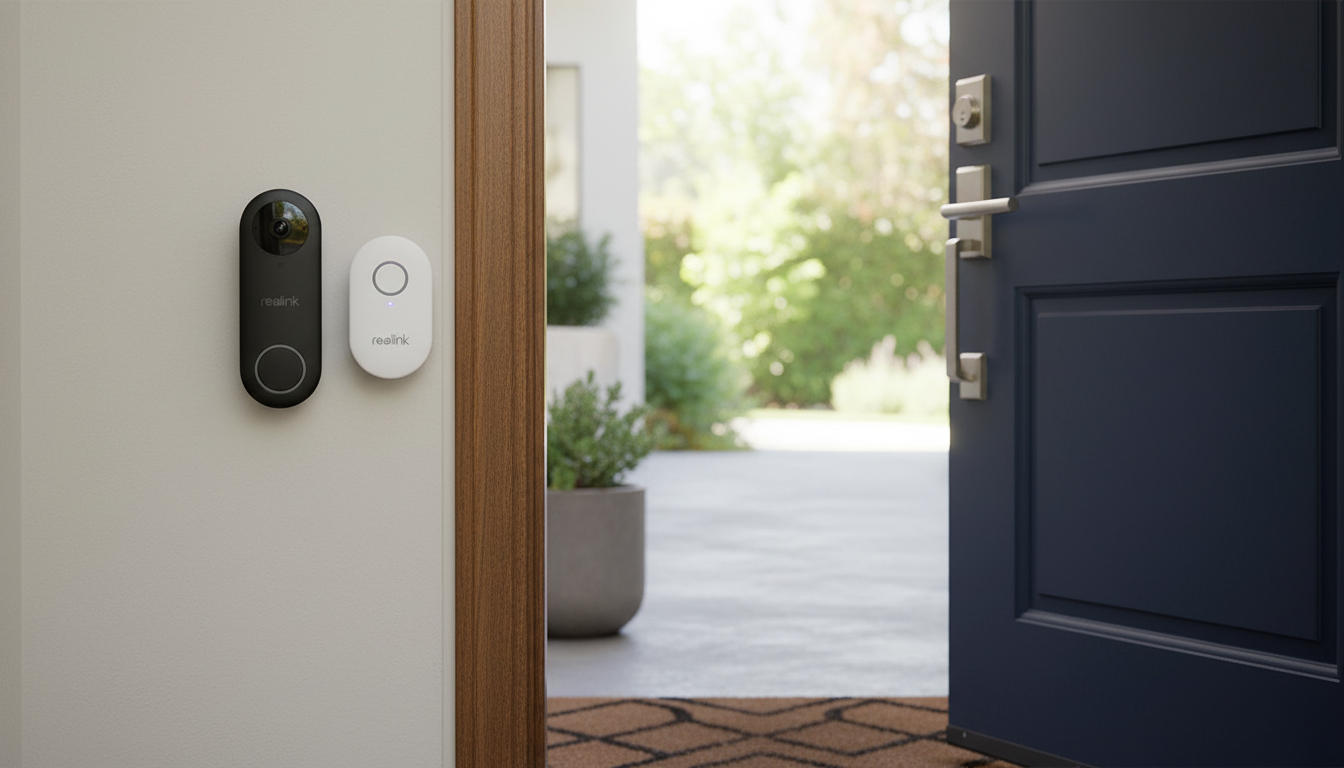
Smart Video Doorbell with Chime: WiFi or PoE Setup, Human Detection, and Voice Assistant Control
A smart video doorbell can add visibility and control at the front door—whether the priority is reliable power, fewer false alerts, or quick answers through a phone or smart speaker. This guide breaks down what matters most: WiFi vs PoE installation, how human detection changes everyday notifications, how the included chime fits into the setup, and what to check for Alexa and Google Assistant compatibility.
What this doorbell is designed to solve
Modern doorbells do more than “ring.” The best setups are built to reduce missed visitors, cut down alert fatigue, and keep the front door easy to manage for everyone in the household.
- See who’s at the door from a phone, even when away from home.
- Get an indoor audible ring via the included chime—helpful when phone notifications are missed.
- Reduce unnecessary motion alerts by focusing on human detection rather than general movement.
- Choose between WiFi convenience or PoE stability depending on wiring and signal strength.
- Use voice assistants for hands-free announcements and quick checks when supported by the smart home setup.
WiFi vs PoE: choosing the right connection for a front door
WiFi and PoE (Power over Ethernet) can both work well, but they solve different problems. WiFi typically wins for speed and simplicity, while PoE is often chosen for uptime and consistency—especially when the front porch is a known “dead zone.” If you’re weighing the two, it helps to think about signal strength, cable access, and how critical always-on performance is for your home.
How they compare day to day
| Factor | WiFi | PoE |
|---|---|---|
| Installation effort | Typically simpler; relies on wireless network | Requires Ethernet run and PoE-capable switch/injector |
| Connection stability | Varies with signal/interference | Usually very stable with wired data |
| Power considerations | Depends on model and available power option | Power delivered over Ethernet when using PoE |
| Best for | Fast setup, strong WiFi coverage | High reliability, weak WiFi areas, long-term installs |
| Common pitfalls | Weak signal at door, network congestion | Cable routing complexity, PoE standard compatibility |
Quick guidance
- Best fit for WiFi: renters, quick installations, and homes with strong 2.4/5 GHz coverage near the entry.
- Best fit for PoE: longer-term installs, weak WiFi at the porch, or locations where consistent power and uptime matter.
- Pre-checks: router placement, exterior wall materials (brick/stucco can weaken signals), and access to Ethernet routing.
If you’re considering PoE, it’s worth understanding the PoE standards your equipment supports. The IEEE overview of PoE is a reliable reference: IEEE 802.3 Power over Ethernet (PoE) standards overview.
Human detection: fewer false alerts and better context
A common frustration with motion-based doorbells is the constant “something moved” notifications—headlights, shifting shadows, tree branches, or neighborhood foot traffic. Human detection helps by prioritizing people as the main trigger, which usually makes alerts feel more meaningful and less noisy.
- How it helps: prioritizes people over general motion, reducing alerts from shadows, cars, pets, or moving trees.
- Where it’s most useful: busy streets, shared walkways, and porches with frequent ambient movement.
- Tips for better results: angle the camera to focus on the approach path, avoid pointing directly at reflective surfaces, and adjust motion zones/sensitivity in the app.
- Notification strategy: use person alerts for immediate pushes and keep general motion as a lower-priority log (if supported).
- Privacy basics: aim away from neighbors’ windows and use activity zones to limit what is captured.
Chime placement and indoor coverage
An included chime matters more than it sounds. Phone notifications can get buried under other alerts, silenced during meetings, or missed when a device is charging in another room. A chime adds a clear, always-there cue that someone is at the door.
Alexa and Google Assistant: what to expect from voice control
For deeper platform details, official documentation can be useful when troubleshooting account linking or device discovery: Alexa Smart Home documentation and Google Home and smart home developer documentation.
Installation checklist and troubleshooting basics
Product options (in stock)
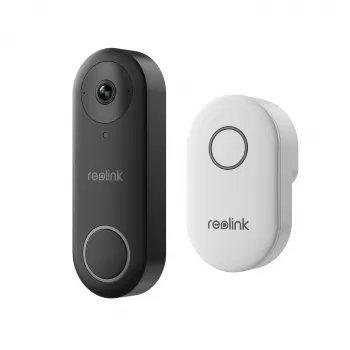
- Smart Video Doorbell with Chime, WiFi & PoE, Human Detection, Works with Alexa & Google Assistant — a single option that covers both connection styles and includes an indoor chime for audible alerts. It’s a strong match for homes that want flexibility between WiFi and PoE while aiming to cut down on false alerts with person-focused notifications.
- Homework Help Made Easy Toolkit for Parents – Printable Guide for Creating Study Habits, Homework Strategies & Independent Learning — a practical add-on for busy households where the front door can be a high-traffic point during after-school routines and deliveries.
FAQ
Is PoE better than WiFi for a video doorbell?
PoE is often more stable because it uses a wired data connection and can deliver power over the same Ethernet cable. WiFi is usually simpler to install, so the best choice depends on signal strength at the door and whether running Ethernet is realistic.
Does human detection stop all false alerts?
It reduces many non-person triggers, but it isn’t perfect in every lighting and weather condition. Fine-tuning activity zones, camera angle, and sensitivity typically improves accuracy.
Can Alexa or Google Assistant show the doorbell video on a smart display?
Many setups support live view on compatible smart displays, but results depend on integration, device compatibility, and network speed. Confirm pairing steps in the doorbell app and check that your display model supports the feature.











Leave a comment