Smart Wi‑Fi Robot Vacuum: Daily Schedules & App Control
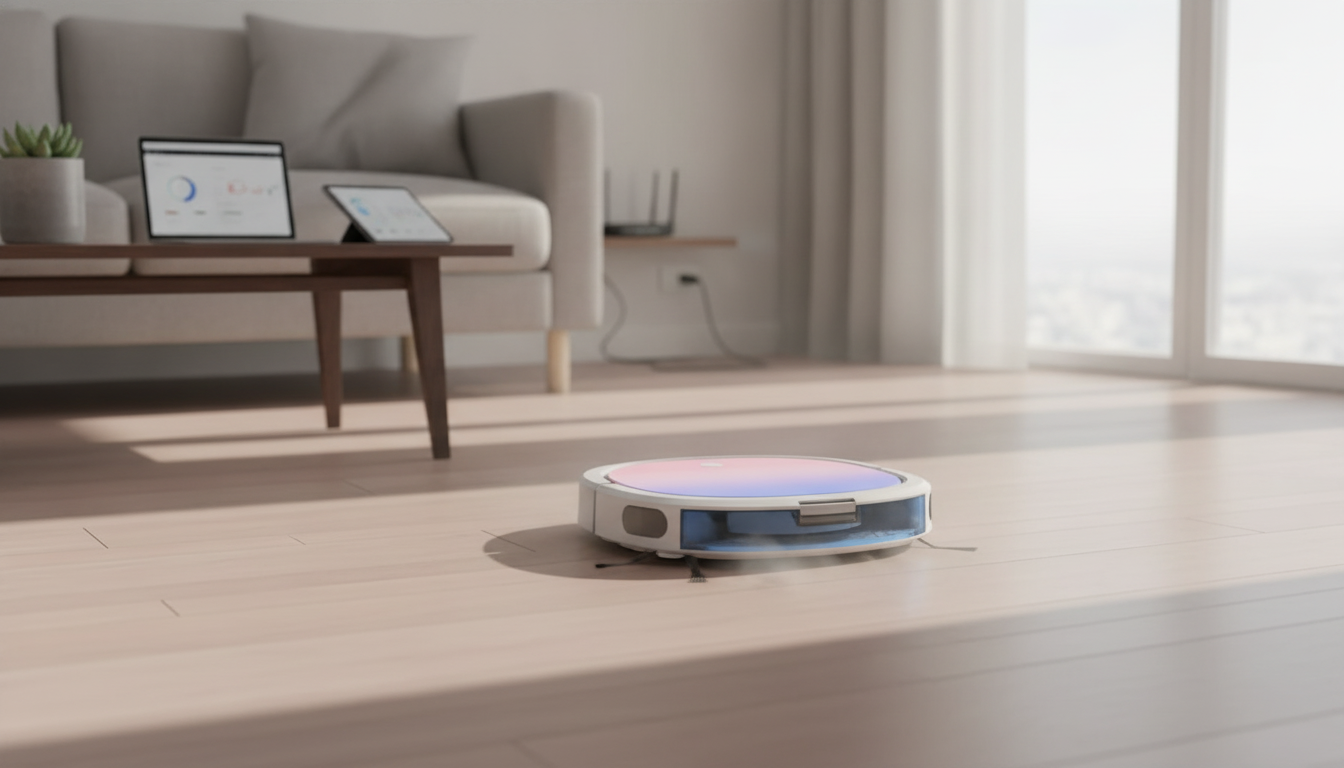
Smart Wi‑Fi Robot Vacuum Cleaner: Everyday Cleaning With App Control
A connected robot vacuum can keep floors consistently tidy with scheduled runs, app controls, and hands-off navigation. Instead of waiting for dust bunnies and crumbs to pile up, a smart model helps maintain a “just cleaned” look in the background—especially in high-traffic areas like entryways, kitchens, and living rooms. Below is what to expect from a Smart Wi‑Fi Robot Vacuum Cleaner, how to set it up for reliable daily cleaning, and which features make the biggest difference for different home layouts.
What a Wi‑Fi Robot Vacuum Can Do Day to Day
The biggest win with a robot vacuum isn’t replacing every deep-cleaning session—it’s staying ahead of mess so floors never get to the “need a full reset” stage. With repeatable routines, a robot can keep visible debris under control and reduce how often a full-size vacuum needs to come out.
- Runs on schedules so dust and crumbs are handled before they build up.
- Starts, pauses, and docks from an app when plans change.
- Works well for quick maintenance cleaning between deeper cleanups.
- Helps keep high-traffic areas presentable with repeatable routines.
Quick Setup for Reliable Performance
A smooth first week usually comes down to placement, Wi‑Fi connection, and a little floor prep. Once the robot has consistent access to the dock and a clear path to move around, daily cleaning becomes much more “set it and forget it.”
- Place the charging dock against a wall with open space on both sides for easy docking.
- Connect in the companion app using a stable 2.4 GHz Wi‑Fi network if required by the device.
- Run an initial full charge cycle, then start with a whole-home run to establish a baseline routine.
- Prep the floor by clearing cords, small toys, and loose fabric that can snag brushes.
- Use schedules during low-traffic hours so the robot can finish without interruptions.
Because Wi‑Fi models rely on your home network for app commands and notifications, it’s also worth taking a few minutes to secure the network and keep device access controlled. The Federal Trade Commission’s guidance on securing home Wi‑Fi is a practical starting point: https://consumer.ftc.gov/articles/how-secure-your-home-wi-fi-network.
Features That Matter Most
Two robot vacuums can look similar but perform very differently once they start navigating furniture, transitions, and everyday clutter. Focus on features that affect coverage, pickup consistency, and how much ongoing effort the robot will demand from you.
- Navigation and obstacle handling: Determines how efficiently it covers rooms and avoids getting stuck.
- Suction and brush design: Impacts pickup on hard floors, rugs, and along edges.
- Dustbin capacity and filtration: Affects how often emptying is needed and helps with fine dust control.
- Battery life and auto-docking: Supports longer runs and automatic recharge.
- App controls: Scheduling, status alerts, and manual spot cleaning for targeted messes.
Feature priorities by home type
| Home situation | Top priorities | Why it helps |
|---|---|---|
| Hard floors (tile/wood/laminate) | Edge cleaning, navigation consistency, filtration | Dust tends to spread; steady coverage and good filtration improve daily results |
| Mixed flooring (hard floors + rugs) | Suction, brush design, auto-docking | Transitions and rugs need stronger pickup and enough runtime |
| Pets in the home | Brush design, bin capacity, filtration | Hair and dander fill bins faster; hair-resistant brushes reduce maintenance |
| Small apartment | Scheduling, quiet operation, compact navigation | Frequent short runs keep tight spaces clean with minimal disruption |
| Busy household | Obstacle handling, scheduling flexibility, easy emptying | Less time to babysit the robot; fewer interruptions |
If fine dust is a concern, filtration and routine maintenance matter as much as suction. For broader context on airborne particles and indoor cleanup tools, the EPA’s overview on air cleaners is helpful: https://www.epa.gov/indoor-air-quality-iaq/guide-air-cleaners-home.
Using App Controls for Better Cleaning
App features are where “smart” robot vacuums earn their keep. Instead of running only when you remember, you can build routines that match how your home actually gets messy.
Maintenance That Keeps Performance Consistent
For pet homes, brush cleaning tends to be the make-or-break habit. If your pets are nervous around vacuums, consider gradual exposure and calm routines; Helping Pets Handle Vacuum Stress is a practical companion for making cleaning time less disruptive.
Where a Robot Vacuum Helps Most (and Where It Doesn’t)
Smart Wi‑Fi Robot Vacuum Cleaner
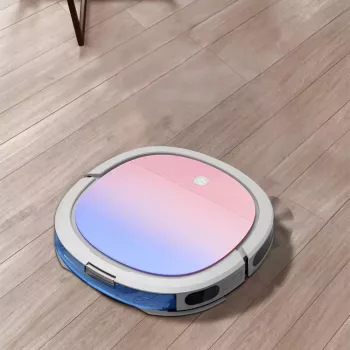
If the goal is consistent day-to-day cleanliness with minimal hands-on work, a connected model makes it easier to keep momentum. The Smart Wi‑Fi Robot Vacuum Cleaner is designed for convenient scheduled cleaning and app-based control, making it a strong fit for routine maintenance runs that reduce how often full-size vacuuming is needed.
Product snapshot
| Item | Details |
|---|---|
| Name | Smart Wi‑Fi Robot Vacuum Cleaner |
| Price | 402.20 USD |
| Availability | In stock |
FAQ
Does a Wi‑Fi robot vacuum work without Wi‑Fi?
Many models can still start or stop using onboard buttons, but scheduling, remote control, and status notifications usually require the app and an active Wi‑Fi connection. The exact behavior depends on the specific robot and how its app features are implemented.
How often should the dustbin and filter be cleaned?
Empty the dustbin every 1–3 runs at first (more often in pet homes) until you learn how quickly it fills. Tap or brush off the filter weekly, and replace filters on the manufacturer’s schedule to keep airflow and pickup strong.
Will it handle pet hair on rugs and hard floors?
It can significantly reduce pet hair day to day, especially with frequent scheduled runs. Results depend on suction, brush design, rug height, and keeping brushes clear of hair wrap so performance doesn’t drop.









Leave a comment